Can You Swim With Apple Watch – Water Resistance Guide
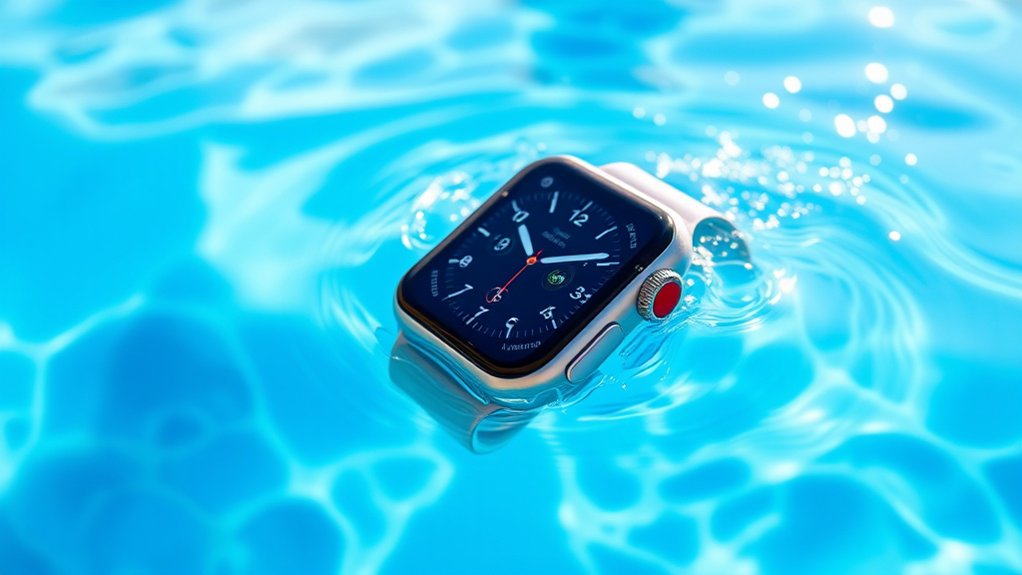
You can swim with an Apple Watch Series 2 or later because these models have a water resistance rating of 50 meters. This makes them safe for pools and shallow open water.
The Apple Watch Ultra goes even further, supporting recreational dives up to 100 meters. Just activate Water Lock mode to prevent accidental screen taps.
After swimming, rinse your watch with fresh water to help maintain its lifespan. Keep following to discover care tips and avoid common water-related mistakes.
What Apple Watch Models Are Safe for Swimming and Water Activities
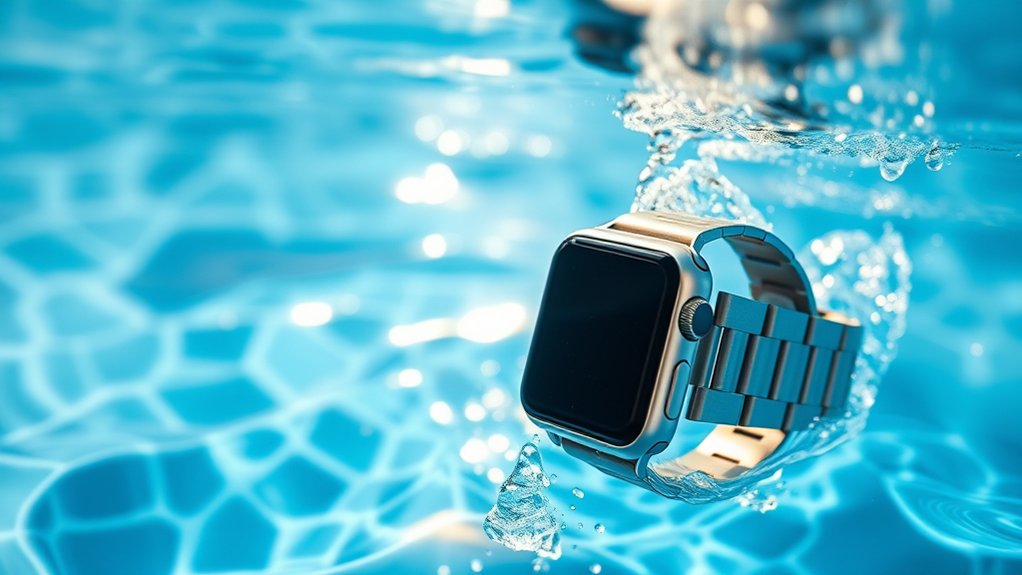
Although not all Apple Watch models are suitable for swimming, you can confidently take Series 2 and later versions into the pool or shallow open water thanks to their 50-meter water resistance rating.
These models come with the Water Lock feature, which automatically prevents accidental screen taps while you swim. You can also turn it on manually through the Control Center.
If you’re into more intense water activities, the Apple Watch Ultra is your best bet. It’s designed for recreational diving and can handle pressures up to 100 meters without any problem.
Keep in mind, earlier models like Series 1 aren’t meant for swimming since they’re only splash-resistant.
After swimming, it’s important to rinse your watch with fresh water to get rid of chlorine or salt. This helps keep its water resistance intact and ensures it keeps working well in wet conditions.
What Apple Watch Water Resistance Ratings Mean for Swimming
Understanding the water resistance ratings of your Apple Watch helps you know exactly how and where you can safely use it in the water.
If you have a Series 2 or later, your watch is water-resistant up to 50 meters, making it great for swimming in pools or shallow open water.
The Apple Watch Ultra steps it up with a 100-meter rating, suitable for recreational diving and more intense water exposure.
However, if you own a Series 1 or earlier, your watch is only splash-resistant and not safe for swimming.
Series 1 and earlier Apple Watches are splash-resistant but should not be worn while swimming.
During swimming workouts, the Water Lock feature activates automatically on Series 2 and later to prevent accidental taps.
After swimming, always rinse your Apple Watch with fresh water to maintain its water resistance and prolong its lifespan.
How to Use Water Lock Mode During Swimming Workouts
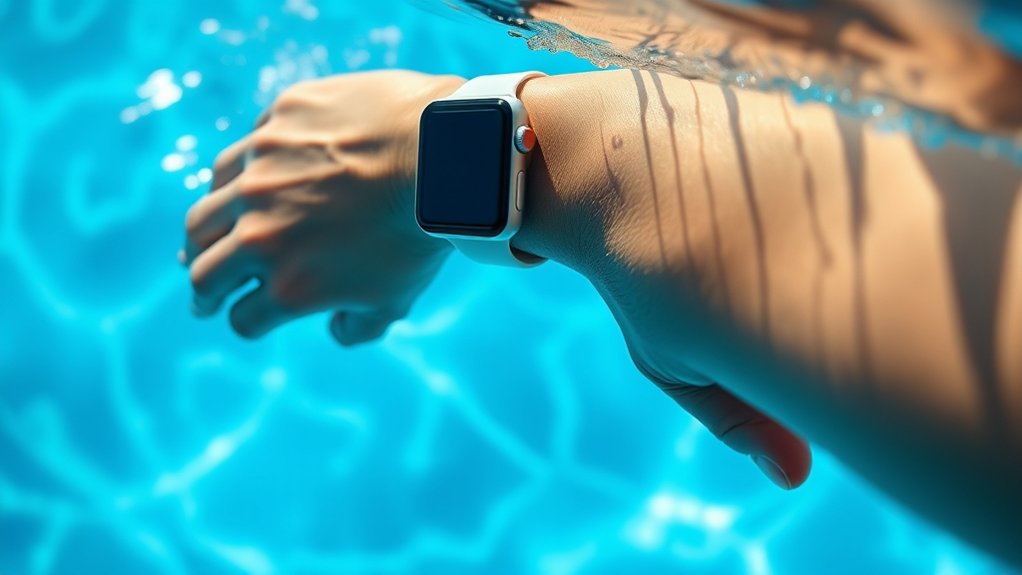
Before you start swimming, just swipe up and tap the water droplet icon to activate Water Lock. This helps prevent any accidental screen taps while you’re in the water.
Plus, your Apple Watch Ultra is smart enough to turn on Water Lock automatically when it’s submerged deeper than 10cm.
When you’re done swimming, simply press and hold the Digital Crown to turn off Water Lock. This also kicks out any water that might be stuck in the speaker.
Easy, right?
Activating Water Lock
To activate Water Lock on your Apple Watch, swipe up from the bottom of the screen to open the Control Center and tap the water droplet icon before you start swimming. This feature locks the screen to prevent accidental taps during water activities, ensuring your swim data is accurate.
Your Apple Watch is water-resistant, but Water Lock adds extra security while submerged.
After finishing your swim, press and hold the Digital Crown to turn off Water Lock. This action also ejects any water trapped in the speaker, keeping your watch functioning properly.
If you have an Apple Watch Ultra, it automatically enables Water Lock when submerged beyond 10 cm.
Remember to rinse your watch with fresh water after swimming to remove chlorine or salt residue and protect its durability.
Preventing Accidental Taps
When you start a swimming workout, your Apple Watch automatically activates Water Lock Mode to prevent accidental taps by locking the screen. For Series 2 and later, this feature makes sure your watch doesn’t respond to unintended touches caused by water.
Water Lock not only stops accidental taps but also helps keep the water resistance by sealing buttons while you’re underwater.
If you forget to turn it on manually, starting a swim workout will trigger it automatically. This keeps your display locked the whole time you’re swimming.
After your swim, you’ll use the Digital Crown to turn off Water Lock.
During the workout, the mode works really well to prevent any disruptions caused by water on the screen.
Ejecting Water Post-Swim
Although Water Lock Mode keeps your Apple Watch protected during swimming, you’ll need to eject any water trapped in the speaker once you finish.
Before your swimming workout, activate Water Lock by swiping up and tapping the water droplet icon. You can also rely on Apple Watch Ultra’s automatic engagement when submerged beyond 10 cm.
This locks the screen and prevents accidental taps. After you’re done, turn the Digital Crown to exit Water Lock Mode. Doing this triggers a series of sounds that eject water from the speaker, making sure no moisture remains inside.
This step is essential to maintain your watch’s water-resistant integrity and prevent water damage. Properly ejecting water after swimming helps keep your Apple Watch functioning flawlessly for your next workout.
Which Types of Swimming Are Suitable for Your Apple Watch
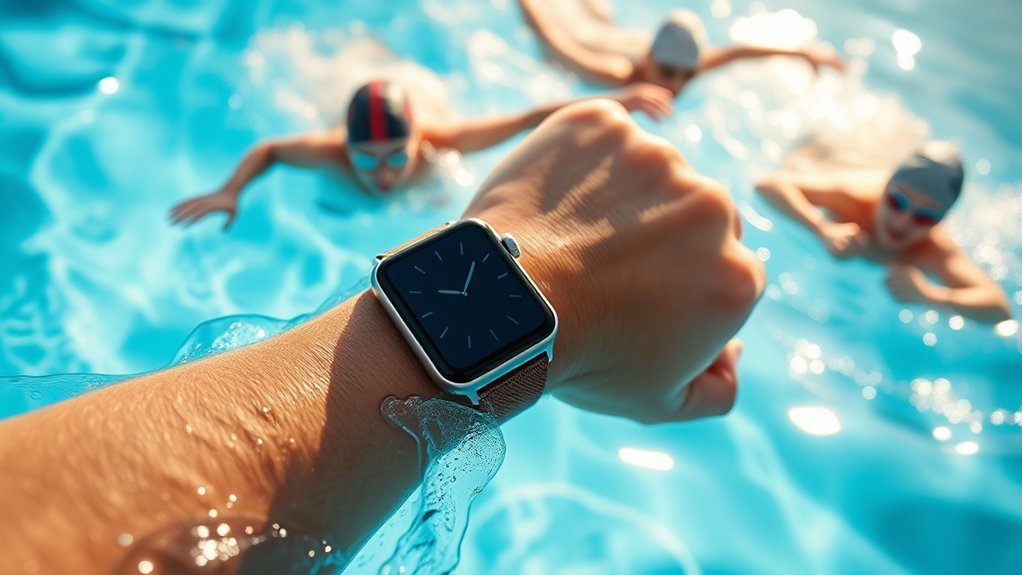
If you have an Apple Watch Series 2 or later, you can confidently swim in pools and shallow open water. Just make sure to use the Water Lock feature — it helps prevent accidental taps while you’re in the water.
Now, if you have the Apple Watch Ultra, you’re in for a treat. It lets you enjoy recreational scuba diving up to 40 meters deep, which is pretty impressive.
On the other hand, older models like the original Apple Watch and Series 1 aren’t really made for swimming. They’re better off just handling splashes here and there.
Suitable Apple Watch Models
Since Apple Watch models vary in water resistance, you should choose the right one based on your swimming activities.
Apple Watch Series 2 and later feature a 50-meter rating, making them suitable for swimming and shallow-water activities like pool laps or beach swims. When you swim, these models automatically activate Water Lock to prevent accidental screen touches.
On the other hand, the Apple Watch Ultra is built for more intense water adventures, including recreational scuba diving, thanks to its 100-meter water resistance.
Avoid swimming with the original Apple Watch and Series 1, as they only offer splash resistance.
After swimming in salt or chlorinated water, always rinse your Apple Watch with fresh water to help maintain its water resistance and overall durability.
It’s a simple step that really helps keep your watch in great shape.
Swimming Activity Limitations
When you choose to swim with your Apple Watch, it’s important to know which types of swimming activities it can handle. Models from Series 2 onward have a water resistance rating of WR50, making them suitable for swimming in pools and shallow open water.
The Apple Watch Ultra takes it further, designed for recreational scuba diving up to 100 meters.
However, avoid intense water sports or deep diving with standard models to prevent damage. The Water Lock feature activates during swim workouts, helping you track without accidental screen taps.
After swimming, especially in salt or chlorinated water, rinse your Apple Watch with fresh water to reduce corrosion and maintain water resistance.
Remember, Series 1 and earlier aren’t meant for swimming, only splash resistance.
Water Lock Usage
Although your Apple Watch offers impressive water resistance, you’ll want to activate Water Lock before swimming to prevent accidental screen taps caused by water contact. To do this, swipe up to access the Control Center and tap the Water Lock icon.
This feature is essential during swimming, especially in pools or shallow open water, where your Series 2 or later Apple Watch is rated for 50 meters. The Apple Watch Ultra extends this to 100 meters, which is great for more intense aquatic activities.
After swimming, hold the Digital Crown to trigger water ejection. This clears water from the speaker and helps maintain peak function.
Remember to rinse your Apple Watch with fresh water after exposure to chlorine. Doing this preserves its water resistance and helps avoid corrosion.
Best Apple Watch Bands for Water Activities
What makes a great Apple Watch band for water activities? It needs to be water-resistant, quick-drying, and durable.
Apple Watch bands like the Sport Band and Sport Loop fit the bill perfectly. They’re made from silicone or nylon, which handle moisture well and dry fast, making them ideal for swimming activities.
Sport Band and Sport Loop are perfect for swimming, crafted from moisture-wicking silicone and nylon for quick drying.
If you own an Apple Watch Ultra, the Ocean Band is your best choice. It’s engineered specifically for water sports and performs reliably in saltwater environments.
Avoid leather or metal bands, as they aren’t water-resistant and can degrade quickly when wet.
When considering third-party bands, always check the manufacturer’s specifications for their water resistance. Choosing the right band guarantees comfort and longevity during all your water adventures.
Showering and Bathing With Your Apple Watch
Since Apple Watch Series 2 and later models are designed to handle water exposure, you can wear them in the shower.
But you should steer clear of soaps and shampoos that might damage the water seals. These products can degrade the watch’s water resistance over time.
After your shower, make sure to rinse your Apple Watch with fresh water to wash away any soap residue that could compromise its seals.
Avoid prolonged exposure to hot water and steam, as this can weaken the water resistance on all models.
Once rinsed, dry your watch thoroughly with a lint-free cloth to prevent skin irritation and keep it clean.
Just a heads-up, the original Apple Watch and Series 1 aren’t recommended for shower use because they only have limited splash resistance.
How to Care for Your Apple Watch After Swimming and Water Exposure
One of the most important steps after swimming or any water exposure is to rinse your Apple Watch with fresh water. This helps remove salt, chlorine, or other residues that can damage its seals and internal components.
Before charging, make sure to wipe it dry with a nonabrasive, lint-free cloth. If your watch gets submerged, activate Water Lock to avoid accidental taps. Then, eject water by turning the Digital Crown.
Try to avoid soaps and lotions since they can weaken the water resistance over time. Taking regular care of your watch will extend its lifespan and keep it performing well.
| Step | Action | Tip |
|---|---|---|
| Rinse | Use fresh water | Removes salt and chlorine |
| Dry | Wipe with lint-free cloth | Prevents moisture buildup |
| Water Lock | Activate before or after swim | Avoids accidental screen taps |
| Clean band & watch | Regularly | Maintain longevity and comfort |
Avoid These Mistakes That Can Harm Your Apple Watch’s Water Resistance
Although your Apple Watch is designed to handle water exposure, certain mistakes can quickly compromise its water resistance. To avoid damage, don’t expose your Apple Watch to soap, shampoos, or lotions. These chemicals degrade its water resistance seals.
Keep your Apple Watch safe by avoiding soaps, shampoos, and lotions that weaken its water resistance seals.
Also, avoid high-velocity water activities like jet skiing since the intense pressure can exceed your watch’s limits. After swimming in saltwater or chlorinated pools, always rinse your Apple Watch with fresh water to prevent corrosion.
Pay attention to your band material. Choose water-resistant options like Sport or Sport Loop bands, and avoid leather or metal bands that absorb water and deteriorate.
Finally, steer clear of prolonged sauna use because it can reduce water resistance over time.
Following these tips helps keep your Apple Watch functioning well in wet conditions. Just a little care goes a long way!
Frequently Asked Questions
Can I Track Swimming Metrics With Third-Party Apps on My Apple Watch?
Yes, you can track swimming metrics with third-party swimming apps on your Apple Watch.
These apps offer workout analysis, lap counting, and heart rate monitoring to boost your fitness tracking. They also provide customizable swim workouts and detailed performance insights.
Just make sure the app you choose supports your Apple Watch model for full compatibility.
Using these apps enhances your swim training and helps you monitor your progress effectively. It’s a great way to stay motivated and keep improving.
Does Water Resistance Degrade Over Time With Regular Use?
Yes, water resistance features in your Apple Watch do degrade over time with regular use. Exposure to water, heat, and chemicals can weaken its waterproofing technology.
How your swimming experience is impacted really depends on how well you follow device care tips, like rinsing after swims and avoiding harsh substances.
User experiences show that regular Apple Watch maintenance can boost longevity expectations.
Taking care of your watch helps preserve its water resistance and keeps it reliable during aquatic activities.
Can I Wear My Apple Watch While Snorkeling or Diving?
You can wear your Apple Watch while snorkeling safely, especially if it’s Series 2 or later, rated for 50 meters.
The Apple Watch Ultra supports diving depths up to 40 meters, which is ideal for deeper dives. Just activate Water Lock for snorkeling safety to prevent accidental taps.
Its gear compatibility and wrist comfort help you stay focused underwater, while watch features improve underwater visibility.
Just remember, water pressure increases with depth, so choose your watch accordingly.
How Does Saltwater Affect the Apple Watch Compared to Freshwater?
Saltwater corrosion can damage your Apple Watch’s seals and materials more than freshwater. Freshwater offers better buoyancy and is gentler on the watch.
So, while your device has water resistance ratings to protect it, saltwater exposure means you need to be extra careful after a swim.
Always rinse your watch thoroughly with fresh water after swimming in saltwater. This helps keep your watch in good shape and maintains its integrity.
Also, adjusting your swim settings can help you monitor water exposure better and protect your watch over time.
Is It Safe to Charge My Apple Watch Immediately After Swimming?
You shouldn’t charge your Apple Watch immediately after swimming. Skipping this step can actually help protect your battery health.
Charging precautions are important because water exposure might cause electrical issues.
Make sure to dry your watch properly after swimming. Let it dry thoroughly to avoid any moisture damage. Your swimming habits do affect how you should care for your watch.
Conclusion
You can confidently swim with newer Apple Watch models, like the Series 2 and later, which are water-resistant up to 50 meters. Did you know that Apple’s water resistance isn’t permanent and can diminish over time? That’s why using Water Lock mode and properly caring for your watch after swimming is essential.
Avoid common mistakes like pressing buttons underwater to keep your watch safe and functioning well during all your water activities. Taking a few simple precautions can make a big difference. So, enjoy your swim but treat your Apple Watch with care!